AI Excel Spreadsheet Generator: Prompt to Workbook
October 27, 2026
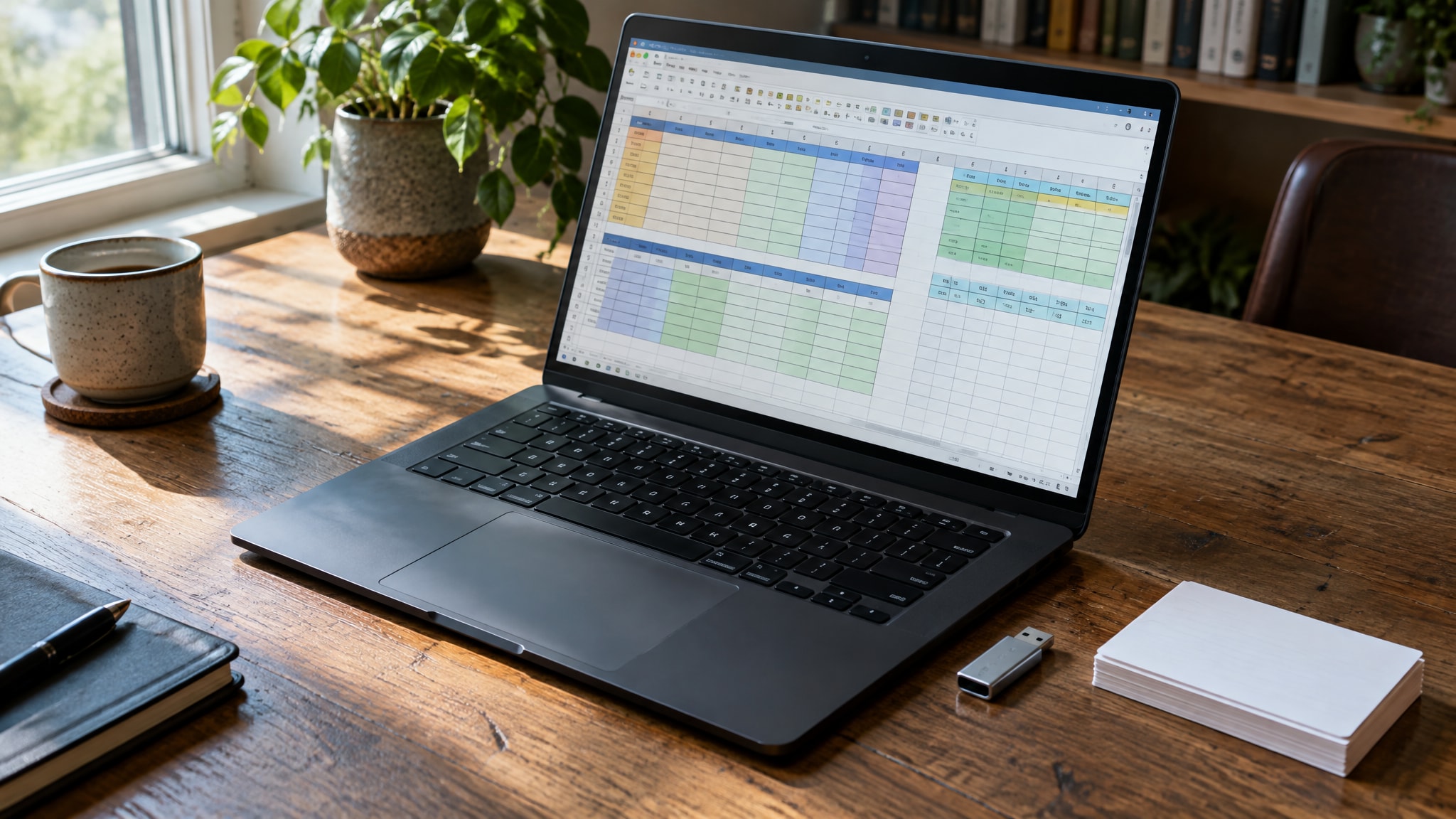
Most AI tools that claim to help with spreadsheets only generate text-based formulas. You have to copy, paste, and debug them inside Excel yourself. A true AI Excel spreadsheet generator works differently: it builds the actual binary file structure, embedding logic, formatting, and data validation directly into a downloadable .xlsx workbook. That distinction matters because you need a functional business tool right away, not a code snippet that still needs assembly.
CellWorks generates complete .xlsx files with embedded formulas, dashboards, and formatting straight from plain-English prompts. You download a working spreadsheet, not a text snippet. It's a native Excel file that opens with all calculations active and the styling already applied, so there's no step where you have to translate AI output into a working document.
How AI Excel Generators Create Real .xlsx Files
Standard formula helpers just suggest syntax. Generating a functional workbook is a different job: an AI Excel spreadsheet generator has to understand sheet architecture, named ranges, and data relationships as one integrated system, not as isolated code fragments. It has to parse your intent and map it to Excel's internal XML structure, because that's what produces a file that behaves natively in the Microsoft ecosystem.
From Plain English to Structured Data Tables
When you describe a dataset, the AI doesn't just list column headers in a text response. It builds a structured table object with defined data types, so date columns recognize calendar formats and currency fields pick up the right number formatting automatically. That structural awareness is what stops the usual failure mode: raw text pasted into cells that won't sort or filter because Excel reads everything as a generic string.
The generator sets these tables up as dynamic ranges that expand automatically when you add new data, so formulas keep working without manual adjustment.
Formula Logic and Cell Formatting Automation
Real generation goes beyond placing equations in cells. It applies the visual and logical rules that make data readable. Prompt it with something like "inventory tracker with low-stock alerts," and you get a ready-to-use sheet with conditional formatting and validation rules already applied to the relevant cells. Tell it to "highlight overdue invoices in red," and it translates that into a native conditional formatting rule that stays put when you edit the file.
That's what makes critical metrics stand out immediately, instead of you digging through formatting menus after export.
Generating Complex Excel Formulas via Prompt
Writing nested functions by hand is error-prone, especially once you're combining multiple criteria across different sheets. An AI Excel formula generator reads your natural-language description of a calculation and converts it into correct Excel syntax, referencing the specific cell addresses and named ranges it already created.
Nested Functions and Array Formula Support
Modern Excel leans on dynamic array functions like FILTER, UNIQUE, and XLOOKUP to handle complex data manipulation without volatile legacy formulas. Ask for a weighted average or a multi-criteria lookup, and the AI picks the modern function stack rather than defaulting to an old-style INDEX-MATCH combination that's harder to maintain. Your workbook ends up using current Excel capabilities, which means better performance and formulas that are actually readable later.
You can describe the calculation logic conversationally. The system builds the nested arguments and keeps the absolute and relative references locked correctly.
Error Handling and Data Validation Rules
A generated workbook has to anticipate bad data entry to stay useful over time. The AI embeds data validation rules that restrict input to expected formats, dropdown lists for status fields, date pickers for timeline entries, so a typo doesn't break a formula three columns over. It applies IFERROR wrappers where they matter, so you see a meaningful message instead of a cryptic #REF! or #VALUE! when source data is missing.
That's what lets non-technical teammates use the template safely without breaking the logic underneath.
Building Dashboards and Charts with Text Commands
Visual reporting usually fails because the underlying data isn't structured for pivot-ready analysis or chart rendering. An AI Excel dashboard generator fixes this at the source: it structures the data specifically to feed visualizations, so charts update as you add records instead of needing manual range adjustments.
Automated Pivot Table and Chart Creation
Ask for a sales trend line or an expense breakdown, and it builds a pivot table with the right field groupings and aggregation methods already set. It links that pivot to a chart embedded on a dedicated dashboard sheet, with the data connections wired so slicers and timelines filter multiple visuals at once. You get one reporting interface, not a pile of disconnected charts you have to update individually.
For guidance on picking the right visualization approach, see the guide on choosing the right dashboard tool.
Dynamic Visualizations for Business Reporting
A static chart goes stale the moment new data arrives, which defeats the point of automated tracking. Generated dashboards use structured references and dynamic named ranges, so visualizations expand on their own to include new entries. You get to focus on reading the trend instead of maintaining the chart mechanics every time you update the source data.
Open the file later and the report still reflects current numbers.
Practical Workbook Examples You Can Generate Now
Abstract descriptions of AI capabilities matter less than seeing prompts turn into actual business solutions. CellWorks lets you build sheets in seconds for common operational problems, converting a detailed prompt into a fully formatted workbook ready to use.
Small Business Budget and Expense Trackers
Financial tracking needs precise categorization and real-time variance analysis against projections. You can request custom budget sheets via prompt that include income streams, fixed and variable expense categories, and automatic monthly rollups with year-to-date totals. The workbook comes with variance formulas built in that compare actual spending against budget, so overruns show up through conditional formatting right away.
Building this kind of financial structure by hand usually takes hours. Here it arrives ready for data entry within moments of prompting.
CRM Pipelines and Inventory Management Systems
Managing customer relationships or stock levels demands consistent data entry and stage-based tracking. AI-generated CRM vs templates shows how custom generation adapts pipeline stages to your actual sales process instead of forcing generic categories on you. AI-built inventory tracking can include SKU management, reorder point calculations, and a supplier contact database linked straight to purchase order templates.
These are problems a generic template can't solve without heavy modification.
Previewing Generated Excel Files Before Export
You shouldn't have to trust AI output blindly. You can preview the generated spreadsheet's structure, formulas, and layout for free, with no account required, so you can confirm the output actually matches what you asked for before you export anything.
The in-browser preview shows real cell contents, formula bars, and formatting rules. You can confirm conditional formatting triggers correctly and that calculations return what you expect, then test a different prompt instantly if it doesn't, all without a signup.
That verification step is what keeps the final .xlsx file from needing rework after download.
Compatibility with Native Excel Features
A generated file has to work exactly like a manually built workbook, across every Microsoft Office environment. CellWorks produces standard .xlsx files that stay fully editable in Excel Desktop, Excel for Web, and the mobile apps, with no stripped styling and no broken references. Add macros, VBA modules, or Power Query connections later, and they sit on top of the AI-generated foundation without a fight.
Conditional Formatting and Style Preservation
Formatting rules embedded at generation persist in any Excel version that supports them. The AI uses standard XML definitions for conditional formatting, data bars, and color scales, not proprietary extensions that might render wrong outside a specific environment. Fonts, borders, and number formats hold up the same way, so the file looks professional no matter what device opens it.
You can change the styles freely after export, because they're native Excel properties, not locked overlays.
Integration with Existing Office 365 Workflows
Business spreadsheets rarely live in isolation. They connect to SharePoint, Teams, and Power Automate flows. Generated workbooks follow standard Office 365 file specs, so you can upload straight to cloud storage with co-authoring on by default. An AI-built tracker or dashboard slots into your existing collaboration setup without conversion or special handling.
The files respect your organization's security policies and permissions the same as any other Excel document created inside your tenant.
Getting Started with AI-Powered Excel Creation
Creating a functional spreadsheet through natural language removes the technical barrier between what you need and the tool that builds it. True AI Excel generation means understanding workbook architecture, sheet relationships, named ranges, chart data sources, not just isolated formula syntax. CellWorks delivers that through a simple prompt interface. You don't need to learn Excel internals or memorize function names to get a professional-grade workbook out of it.
This tool doesn't replace your strategic thinking or domain expertise. It automates the mechanical work behind ideas you already understand. Write a prompt describing what you need, preview the structure it generates to check the accuracy, and download a fully functional .xlsx file ready to use.
Frequently Asked Questions
Can AI generate complete Excel workbooks with charts and conditional formatting included?
Yes, specialized AI Excel generators like CellWorks produce complete .xlsx files with embedded charts, conditional formatting rules, and data validation already configured. Unlike basic formula helpers that only suggest syntax, these tools construct the entire workbook architecture including sheet relationships and dynamic data sources. The output is a native Excel file you can open and edit immediately without manual assembly.
Is it possible to preview an AI-generated Excel file before downloading?
CellWorks allows you to preview generated spreadsheet structures, formulas, and layouts directly in your browser without creating an account or signing up. This free preview lets you verify that the AI correctly interpreted your prompt and that all calculations function as expected before exporting. You can test multiple prompt variations instantly to ensure the final download meets your specific business requirements.
Are AI-generated Excel files fully compatible with Microsoft Office 365 features?
Generated .xlsx files are fully compatible with Excel Desktop, Excel for Web, and mobile apps because they use standard Office Open XML formatting. All embedded formulas, conditional formatting, charts, and pivot tables function natively without stripped styling or broken references. These files integrate seamlessly with SharePoint, Teams, and Power Automate workflows just like manually created workbooks.
What types of business spreadsheets can be created instantly from a text prompt?
You can generate small business budgets with variance analysis, CRM pipelines with custom sales stages, inventory trackers with reorder alerts, and project dashboards with automated reporting. The AI interprets specific business logic described in natural language and translates it into structured tables, formulas, and visualizations tailored to your operational needs. Each workbook arrives pre-formatted with validation rules and calculation fields ready for immediate data entry.